On a recent discovery call, a founder described what he wanted from an AI assistant: something that notices things before he does. The follow-up he forgot. The renewal coming up next month. The right day to post. He'd tried chatbots. They only ever spoke when spoken to.
That gap, between a chatbot that waits and an agent that shows up, is smaller than it looks. A short video by Sarah from Composio, who took apart Grok Bot, Muse, Instinct and the open-source bots, makes the point well: underneath, they're all built from the same five parts [1]. Here they are, with what I'd steal from each.
TL;DR: an always-on agent is a loop, plus tools, channels, memory and a heartbeat, with permissions wrapped around all of it.
1. The loop
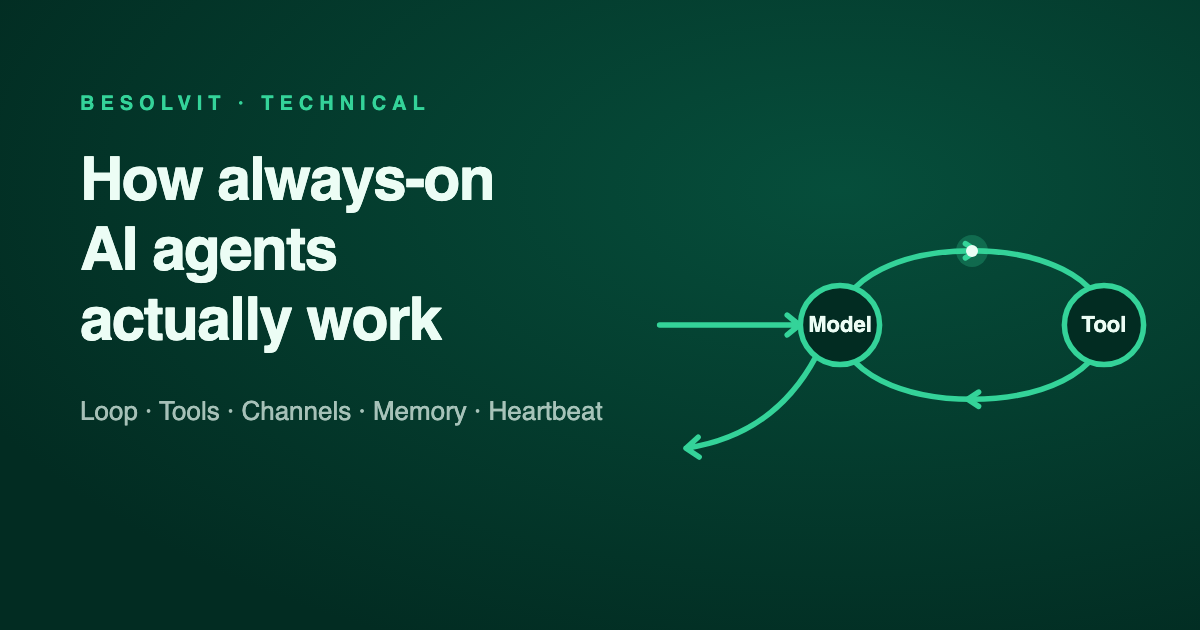
Chat is simple: take the model's output, prepend it to your next prompt, repeat. An agent changes one thing. Instead of answering you right away, its output goes straight back into the model, which decides what to do next: call a tool, write some text, or end its turn.
The model can't actually send an email. It writes down which function it wants to call and with which arguments; the code around it runs that function and feeds the result back in. Anthropic's definition is refreshingly plain: agents "are typically just LLMs using tools based on environmental feedback in a loop" [2].
Everything you put into the model is context. Context plus tools is the harness. When people compare agent frameworks, they're really comparing harnesses: how each one manages context and hands tools to the model.
2. Tools: terminal, browser, API
There are three ways to let an agent do real work.
- A terminal. It can do almost anything you can do on a computer. Run it in a sandbox or a virtual machine, not on your laptop.
- A browser. A headless one, or your own via something like the Chrome DevTools MCP. Powerful, but slow: boot, load, read the page, click, repeat.
- An API, through MCP [3] or a CLI. One direct request and it's done.
The rule of thumb: if there's an API for the action, give the agent the API. Most popular bots combine all three, and two snags show up fast. The first is authentication. API keys are easy, but OAuth usually means registering a developer app, and some providers make you pay or pass a review first. Managed-auth platforms such as Composio exist for exactly this [4]. The second is scale. Thousands of tool definitions won't fit in a context window, so the pattern is search, then execute: the agent looks up the tool it needs and only then calls it. Anthropic ships this as a Tool Search Tool, which lets Claude reach thousands of tools "without consuming its context window" [5].
3. Channels
You talk to an always-on agent where you already are: iMessage, WhatsApp, email. Some popular agents have no web interface at all. Living in your messages is a big part of why they feel like a colleague rather than an app. If you do need a chat UI, don't build it from scratch; a good chat experience is far more work than it looks.
4. Memory
Memory is the most secretive part of the closed-source bots, but it's usually two things: some context loaded automatically every turn, and tools the agent can use to dig for more. Beyond that it comes down to three layers: where it's stored (files or a database), how it's searched (keyword or semantic), and what sits on top (dreaming, graphs).
OpenClaw is the clearest open example. SOUL.md, USER.md and AGENTS.md load at the start of every session; MEMORY.md, the long-term facts, loads too, but only in your private session, never in group chats [6]. Daily notes (memory/YYYY-MM-DD.md) are a raw log: today's and yesterday's are read at startup, the rest are searched when needed [6]. The docs put it bluntly: "The model only remembers what gets saved to disk; there is no hidden state" [7]. Then, every night at 3 am, OpenClaw dreams: a background sweep distills what was useful in the daily notes into MEMORY.md [8].
I run the same pattern every day in my own setup without ever calling it that. My coding agent loads one global instructions file in every project, plus a short memory index that points to one-fact files it writes itself. The lesson that took me longest: keep the auto-loaded part small. Every line that loads every turn costs tokens and attention. Everything else should be searchable, not loaded.
5. The heartbeat
This is what turns an agent into an always-on agent: it wakes up without you. There are two ways.
- On a schedule. OpenClaw started with a heartbeat that woke the agent every 30 minutes or so; today that's a "Proactive check" job that runs every 30 minutes once you enable it [9], next to a built-in scheduler for your own jobs [10].
- On events. A webhook or trigger wakes the agent when something happens, like a new support ticket. Composio's triggers, for example, send the event to your app as a structured payload [11].
Most bots do both. My own machine runs scheduled jobs for a weekly digest and twice-daily backups, and only pings my phone when something fails. The schedule is the easy part. The hard part is deciding when it's allowed to interrupt you.
Around all of it: permissions
Here's the catch. An agent with your terminal or your browser can do anything you can do. If you're logged into Google and can delete your account, so can it.
You have three levers. Give the agent its own machine and accounts you don't mind losing. Use scoped API access: Gmail's read-only scope can "view your email messages and settings", while the full scope can "read, compose, send, and permanently delete all your email" [12]. Or put a gateway in between that blocks specific tools even when the connection technically allows them.
This isn't hypothetical. In under two weeks of scanning, researchers found more than 30,000 OpenClaw instances exposed online [13], and persistent malicious skills have turned up in its community marketplace [14]. It's one reason newer agents like Hermes Agent ship command approval and container isolation out of the box [15].
On discovery calls I use a traffic light before connecting anything. Green: it acts alone (summaries, drafts, reminders). Yellow: it asks first (sending messages, moving meetings, publishing). Red: never, for now (payments, banks). Ten minutes on that list saves months of anxiety. If you'd rather not wire this up yourself, that's what our personal AI assistant setup does: OpenClaw, Hermes Agent or NanoClaw, installed and locked down on a machine you own.
The boring choices decide it
None of the five parts is exotic. The difference between a demo and an assistant you trust for months lives in the boring decisions: what loads every turn, what wakes it up, and what it may never touch.
If you've built one of these, which part surprised you most?
FAQ
How do always-on AI agents work?
A language model runs in a loop: it reads its context, calls tools (a terminal, a browser or an API), reads the results and repeats until it decides to stop. What makes it always-on is memory that persists between sessions and a heartbeat, a schedule or an event trigger, that wakes it without being prompted.
How does OpenClaw's memory work?
OpenClaw stores memory as Markdown files on disk. SOUL.md, USER.md and AGENTS.md load every session, MEMORY.md loads in your private session, and daily notes are searched when needed. A nightly "dreaming" sweep at 3 am distills what was useful in the daily notes into MEMORY.md.
Are always-on AI agents safe to use?
Only as safe as their permissions. An agent with your logged-in terminal or browser can do anything you can. Give it its own machine and accounts, use scoped API access such as read-only email, and require approval before it sends messages, publishes or pays for anything.
References
- Sarah (Composio), I reverse-engineered Grok Bot, Muse, Instinct and more (video, Nov 2026)
- Anthropic, Building effective agents. https://www.anthropic.com/engineering/building-effective-agents
- Model Context Protocol, Introduction. https://modelcontextprotocol.io/docs/getting-started/intro
- Composio. https://composio.dev
- Anthropic, Advanced tool use. https://www.anthropic.com/engineering/advanced-tool-use
- OpenClaw docs, Agent workspace. https://docs.openclaw.ai/concepts/agent-workspace
- OpenClaw docs, Memory. https://docs.openclaw.ai/concepts/memory
- OpenClaw docs, Dreaming. https://docs.openclaw.ai/concepts/dreaming
- OpenClaw docs, Heartbeat. https://docs.openclaw.ai/gateway/heartbeat
- OpenClaw docs, Cron jobs. https://docs.openclaw.ai/automation/cron-jobs
- Composio docs, Triggers. https://docs.composio.dev/docs/triggers
- Google, Gmail API scopes. https://developers.google.com/workspace/gmail/api/auth/scopes
- Bitsight, OpenClaw security risks: exposed instances. https://www.bitsight.com/blog/openclaw-ai-security-risks-exposed-instances
- Palo Alto Networks Unit 42, OpenClaw AI supply chain risk. https://unit42.paloaltonetworks.com/openclaw-ai-supply-chain-risk/
- Nous Research, Hermes Agent. https://github.com/NousResearch/hermes-agent